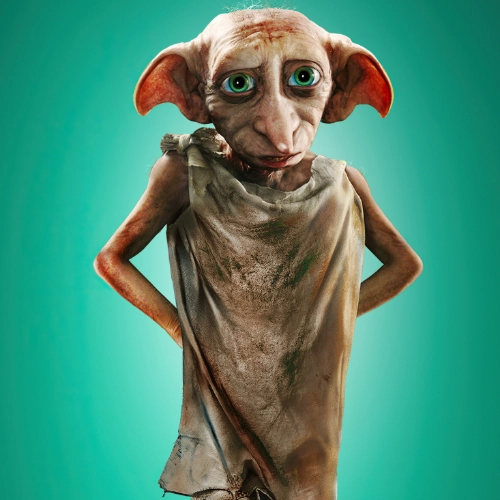
Elf Voice
Experience the Elf voice with our advanced Elf AI technology. Perfect for creating custom Elf voice for video, podcast, and more.
Elf Voice


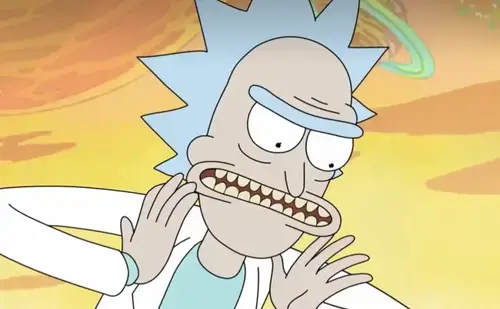


Voice settings
What makes this elf voice generator different?
A convincing fantasy character read comes from timing, articulation, and intent—not just changing pitch. This elf voice workflow is tuned for a bright, mythical delivery so your lines land in memes, shorts, and scripted comedy. With elf ai under the hood, pacing and emphasis stay stable across takes, even when you render many lines in one batch. The result is an elf voice that sounds consistent and editable.
How does elf ai turn text into a natural elf voice?
Paste dialogue or narration, then choose style and speed. elf ai converts your text into smooth, low-register speech with deliberate pauses and expressive stress, rather than robotic output. Your elf voice stays intelligible in short punchlines and longer scenes, so you can reuse the same tone across episodes and edits. For quick promos, the elf voice mix fits naturally with your audio.
Where can you use elf voice in real projects?
Export clean audio for YouTube, TikTok, podcasts, trailers, and character dubbing experiments. When scripts change week to week, elf ai helps you keep the same elf voice hook so your audience recognizes the character immediately. Creators pair elf voice with B-roll, gameplay, or branded skits; when the narration is the punchline, you get faster iterations with less cleanup.