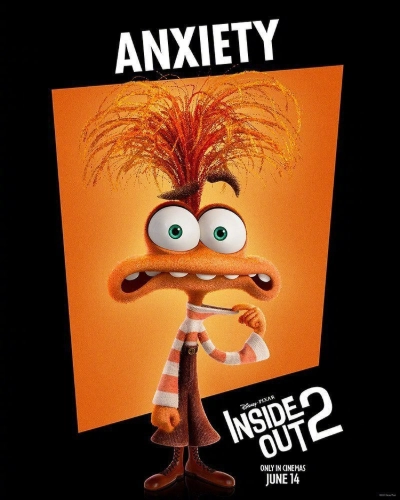
Anxiety Voice
Anxiety Voice is a character-style text-to-speech generator that turns typed scripts into tense, low-register speech with anxious pacing, deliberate pauses, and deadpan humor. Creators use anxiety AI for memes, shorts, podcasts, and other projects that need consistent Anxiety voice output without a studio.
Anxiety Voice


Voice settings
What makes this anxiety voice generator different?
A convincing character read depends on timing, articulation, and attitude—not just lowering pitch. This anxiety voice workflow is tuned for a tense, expressive delivery so your lines land for memes, shorts, and scripted comedy. Behind the scenes, anxiety ai models pacing and emphasis to keep the anxiety voice steady across takes, even when you render dozens of lines in a batch. If you need fast iterations without a booth, anxiety ai helps your anxiety voice stay intelligible and emotionally expressive from a single punchline to a full scene.
How does anxiety ai turn text into a natural anxiety voice?
You paste dialogue or narration, then anxiety ai converts your text into low-register speech with deliberate pauses and anxious, deadpan humor instead of flat, robotic TTS. The result keeps a consistent anxiety voice across short tags, punchlines, and longer reads, so creators can reuse the same tone across episodes or edits. For parody character skits and quick promos, the output from anxiety ai is designed to sit in a mix with minimal cleanup.
Where can you use anxiety voice in real projects?
Export files for YouTube, TikTok, podcast intros, trailers, and dub-style experiments with speech-friendly loudness. When scripts change week to week, anxiety ai helps you keep the same anxiety voice hook so your audience recognizes the character immediately. Creators pair it with B-roll, gameplay, or branded skits when the narration is the punchline. From quick social posts to longer story beats, a repeatable anxiety voice workflow powered by anxiety ai can replace many time-consuming studio steps.